

Alternatives to Sprite-AI
Sprite-AI accelerates game development by generating production-ready pixel sprites from text prompts, eliminating art bottlenecks.
Explore 20 alternatives to Sprite-AI. Compare features, pricing, and find the best fit for your needs.


AppIconGenerator
Generate iOS and Android app icons from any image and export all platform sizes for free.

PhotoGenerAI
Create images and edit photos with AI using prompts and references for backgrounds, outfits, product photos and social graphics.
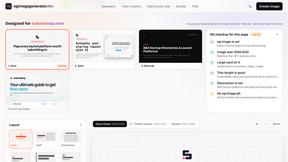
ogimagegenerator.dev
Paste a URL and AI designs on-brand Open Graph images from your page's colours, fonts and logo. Free, no sign-up.
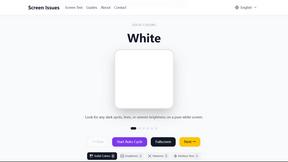
Screen Issues
Free Online Screen Test Tool - Instantly diagnose dead pixels, lines, color issues, and flickering. Multiple test modes, no download needed.
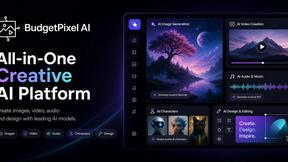
Budgetpixel AI
Create and edit AI images, videos, music, and designs in one workspace, with multiple models, reusable characters, and API access.
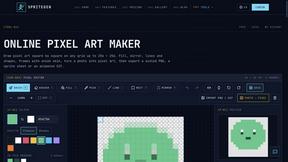
SpriteGen
Create pixel-art sprites and animated sprite sheets from character descriptions, with animation preview and transparent PNG export.
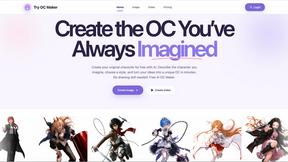
Try OC Maker
Create OCs from text or images, customize their look, and turn them into animated videos with AI.
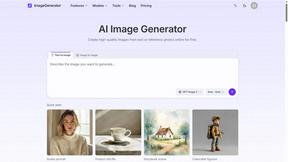
ImageGenerator
Create and edit AI images online with multiple models, text-to-image, image-to-image, background removal, and upscaling.


Qwen Image Edit
Prompt-based Qwen Image Edit Online for background changes, text edits, product images, posters, outpainting, and creative workflows.

Z Image Turbo
Create photorealistic images, bilingual posters, ecommerce visuals, and social content with Z Image Turbo, flexible prompts, aspect ratios, seeds, and
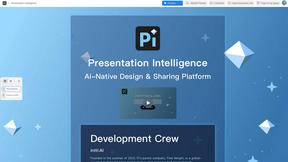
Presentation Intelligence
AI-native presentation and visual content platform that turns prompts, documents, images, videos, and data into polished, shareable decks.
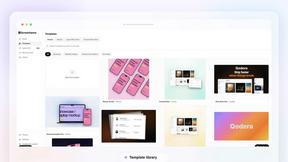


HubVanta
HubVanta is an AI image toolkit for creating, editing, enhancing, and transforming visual assets in the browser.

IsThisAIImage
Free online AI image and deepfake checker. Upload a photo for AI-generated and deepfake scores, a clear verdict, and optional generator hints.
Photo to Excel
Turn table photos and screenshots into editable Excel files. Merge images, remove duplicates, preview free.
About Sprite-AI Alternatives
Sprite-AI is an AI-powered pixel art generator that falls within the category of design tools, specifically tailored for rapid 2D asset creation. Designed for indie game developers, hobbyists, and prototypers, it converts plain English descriptions into clean, game-ready pixel art at standard resolutions like 32x32, 64x64, or 128x128 pixels. While the platform offers a robust built-in pixel editor and community features, users often seek alternatives due to concerns over token-based pricing models that can become costly for high-volume projects, limited integration flexibility with specific game engines, or a desire for more control over the AI’s output style without relying on a proprietary ecosystem. When evaluating an alternative to Sprite-AI, focus on metrics that directly impact your production pipeline and budget. Prioritize tools that offer transparent, flat-rate pricing or unlimited usage tiers to avoid per-asset costs that scale unpredictably with iteration volume. Look for platforms that support direct export to your chosen engine (e.g., Unity, Godot, Unreal) without additional conversion steps, and assess whether the alternative provides granular control over pixel-level editing, layer management, and sprite sheet generation. Additionally, consider the community ecosystem—an active gallery and prompt library can significantly reduce ideation time, while robust security protocols for asset storage are critical for protecting intellectual property during prototyping phases.
FAQs about Sprite-AI Alternatives
What is Sprite-AI?
Sprite-AI is an AI-powered pixel art generator designed to produce game-ready 2D assets quickly from text descriptions. It belongs to the design tools category and is optimized for indie game developers and prototypers who need sprites for characters, items, icons, or bosses at standard resolutions like 32x32, 64x64, or 128x128 pixels. The platform includes a built-in pixel editor for fine-tuning and exports transparent PNG files compatible with major game engines such as Unity, Godot, GameMaker, and Unreal.
Who is Sprite-AI for?
Sprite-AI is built for indie game developers, hobbyists, and prototypers who require rapid 2D asset generation without manual drawing skills. It serves teams and individuals working on tight production schedules who need to iterate quickly on character designs, item sprites, or environmental assets. The tool is also valuable for designers who want to accelerate the pre-production phase by generating multiple visual concepts in seconds rather than hours.
Is Sprite-AI free?
Sprite-AI operates on a token-based pricing model where users pay only for the assets they generate, rather than offering a fully free tier. This structure allows for flexible budgeting based on project volume, but it does require purchasing tokens to access generation and export features. Users should review the current token pricing on the official website to determine if the cost aligns with their production frequency and asset output needs.
What are the main features of Sprite-AI?
The core features of Sprite-AI include text-to-sprite generation from plain English prompts, support for multiple sprite sizes (32x32, 64x64, 128x128), and a built-in pixel editor with painting, erasing, filling, and color-picking tools. It also offers a community gallery for inspiration, prompt guides to improve output quality, and direct export of transparent PNG files compatible with Unity, Godot, GameMaker, and Unreal. The token-based pricing model ensures users only pay for completed generations, reducing waste in the asset creation pipeline.