
ImageGenerator
Create and edit AI images online with multiple models, text-to-image, image-to-image, background removal, and upscaling.
Visit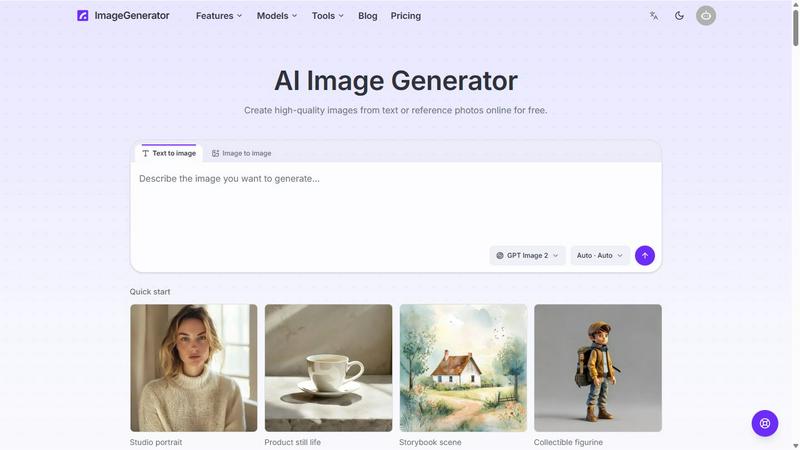
About ImageGenerator
ImageGenerator creates and edits images online from text prompts and reference photos. Switch between multiple AI image models, choose an aspect ratio, and refine results in your browser. Use background removal, 2x and 4x upscaling, image expansion, and style transfer. Results are saved with their prompts and models in a private library for full-resolution download, prompt reuse, and further editing. New users receive free welcome credits; subscriptions and credit packs provide additional credits.
Similar to ImageGenerator

Turn that photo you want into a 4-step drawing lesson.

Check your screen display for dead pixels using White screen or black screen checkers.

Upload one photo for a free PSL score and face rating. 47 tools cover face shape, symmetry, color season and more. No signup needed.

Realistic dating profile photos from one selfie, plus free bio, prompt and photo-rating tools.

Try on clothes, glasses, rings, hairstyles, and hair colors on your own photos with AI.

Turn brand descriptions into custom logos with AI. Refine styles and colors, try free PNG exports, and upgrade for SVG and commercial licensing.

Prepare photo cutouts online: remove backgrounds with AI, inspect the preview and download.

Free-to-copy AI image prompt library. Each prompt is shown next to the image it made.