

Alternatives to MacBrightness
MacBrightness unlocks your Mac's hidden brightness range up to 1,600 nits, doubling screen visibility in direct sunlight for a productivity gain of.
Explore 20 alternatives to MacBrightness. Compare features, pricing, and find the best fit for your needs.
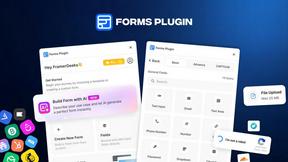
Forms Plugin
The #1 Native Form Builder Plugin for Framer - No Code, No Embeds, No External Platforms.
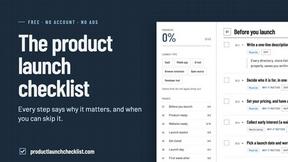
Product Launch Checklist
A free launch checklist for SaaS, apps, AI tools and more. Every step says why it matters and when you can skip it.
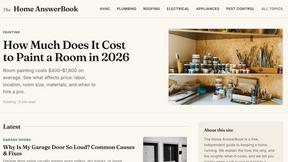
HomeAnswerBook
Practical, independent guides to home repairs, maintenance, costs, troubleshooting, and everyday fixes.
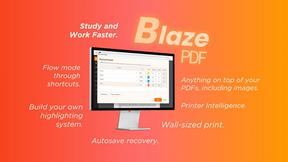
BlazePDF
Highlight faster. Study in flow with custom shortcuts and a workflow built around you. Print smarter, or turn any page into a tiled poster.

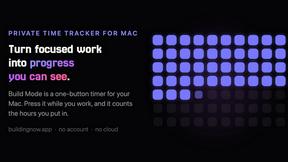
Build Mode for Mac
Build Mode is a Mac app that turns focused sessions into visible progress, so you can see the work adding up before the results arrive.



Efficienco
Efficienco is a free collection of practical online calculators for construction, materials, home improvement, engineering, trades, and business.

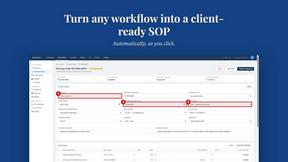
MySOP.guru
Capture any workflow in your browser and export a branded, step-by-step SOP with screenshots. €5 per document, no subscription.

PerPageFax
PerPageFax lets you send a fax online from any browser for a flat $0.50 per page — no account, no subscription, no fax machine.



Glanced
Follow news, blogs, newsletters, and podcasts in a free RSS reader, with AI summaries, top stories, full-text search, saved searches, and a catalog.

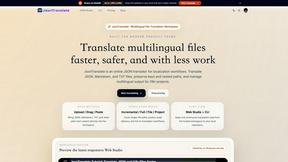
JsonTranslate
Translate JSON, Markdown, and TXT files while preserving keys, paths, and project structure.


About MacBrightness Alternatives
MacBrightness is a specialized utility tool that sits within the Productivity & Management category, designed to unlock the hidden HDR brightness range on modern MacBook Pro displays and the Pro Display XDR. By overriding the standard brightness ceiling imposed by macOS, it allows compatible screens to reach nearly double their typical luminance—up to approximately 1,600 nits—enabling users to maintain clear screen visibility in direct sunlight, next to bright windows, or on outdoor workspaces like patios and airplanes. The tool integrates seamlessly with existing hardware brightness keys, eliminating the need for new shortcuts or complex workflows, and operates without noticeable CPU overhead or low-level system modifications. Users commonly explore alternatives to MacBrightness due to concerns over pricing structure, compatibility limitations, or feature scope. While MacBrightness offers a one-time purchase model with a free splitscreen trial, some users may seek subscription-based options, broader device support beyond M-series Pro/Max chips and the Pro Display XDR, or additional features such as granular brightness scheduling or multi-monitor management. When evaluating alternatives, enterprise and business users should prioritize tools that guarantee system-wide stability, zero performance degradation, direct integration with native keyboard controls, and clear documentation of supported display hardware. The ideal solution will provide measurable productivity gains by reducing time lost to glare-related interruptions, ensuring that ROI is achieved through consistent, hardware-safe brightness enhancement across all applications, not just HDR content.
FAQs about MacBrightness Alternatives
What is MacBrightness?
MacBrightness is a utility application that unlocks the hidden HDR brightness range on compatible Mac displays, allowing the screen to reach nearly twice the standard luminance normally permitted by macOS. It is designed for MacBook Pro 14-inch and 16-inch models with M-series Pro or Max chips, as well as the Pro Display XDR, enabling sustained brightness up to approximately 1,600 nits. The tool works system-wide across all applications, not just HDR video, and integrates directly with existing hardware brightness keys for immediate use.
Who is MacBrightness for?
MacBrightness is primarily designed for professionals and business users who frequently work in bright environments, such as outdoor patios, near large windows, on airplanes, or in sunlit conference rooms. It is ideal for anyone using a compatible MacBook Pro or Pro Display XDR who needs their screen to remain readable and glare-free without switching to a separate device. The tool also serves users who want to maximize their display's hardware potential without complex configurations or performance trade-offs.
Is MacBrightness free?
MacBrightness offers a free trial in Splitscreen Mode, where one half of the screen jumps to full unlocked brightness so users can compare the difference side by side with the standard macOS brightness limit. The full, unrestricted version for the entire screen requires a one-time purchase with no subscription fees. This pricing model allows users to verify the product's effectiveness before committing to a purchase.
What are the main features of MacBrightness?
MacBrightness delivers system-wide brightness enhancement that nearly doubles the standard macOS limit, making screens readable in direct sunlight without performance degradation. It uses the existing brightness keys on the keyboard, requiring no new shortcuts or software adjustments, and operates with no noticeable CPU overhead or low-level system hacks. The tool only utilizes the HDR brightness range that the display already supports, ensuring hardware safety and compatibility across all applications.