
StatPecker
StatPecker empowers businesses with instant, secure data insights and stunning visuals for impactful decision-making.
Visit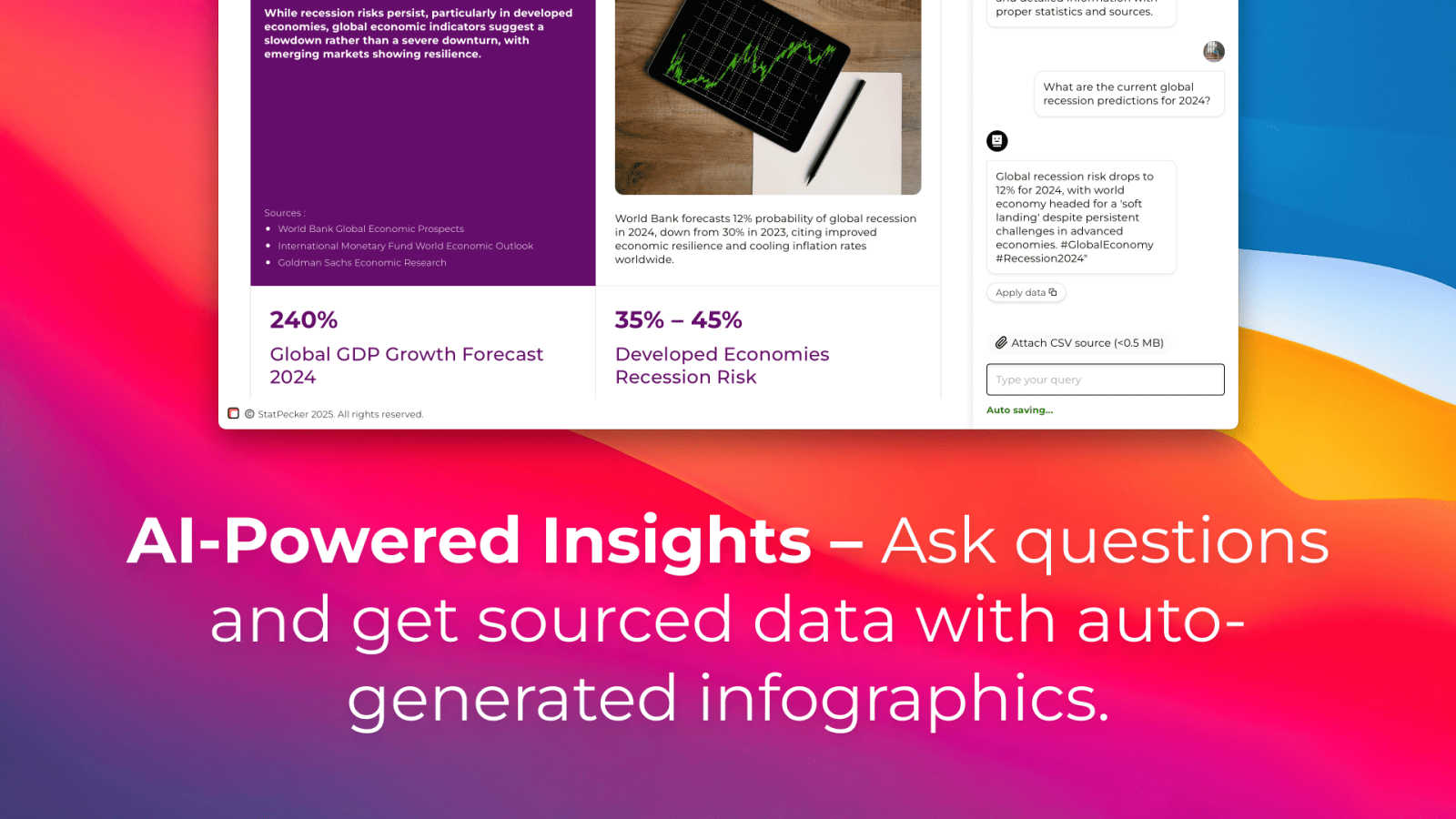
About StatPecker
StatPecker is an enterprise-grade AI data visualization platform designed to revolutionize the way businesses interpret and present their data. By transforming raw data into visually compelling infographics in mere seconds, StatPecker addresses the pressing challenge of time-consuming and costly manual reporting. This platform automates the entire data storytelling workflow, enabling users to seamlessly ask natural language queries, upload CSV files, and generate publication-ready visuals instantly. StatPecker is tailored for professionals who depend on data-driven communication, including content creators, market analysts, business strategists, marketing teams, and educators. Its main value proposition lies in enhancing the clarity and engagement of insights, making them easily shareable and impactful. With StatPecker, organizations can significantly reduce production time and resource allocation, ultimately leading to improved decision-making speed, stakeholder engagement, and a powerful narrative in reports, presentations, and digital content.
Features of StatPecker
Ask Your Query
StatPecker allows users to obtain instant insights from validated sources using AI technology. By simply asking questions in natural language, users can receive accurate and relevant visual data without the need for complex tools, streamlining the analytics process significantly.
Publish & Embed
With StatPecker, users can create interactive visuals that can be easily integrated into blogs, articles, and websites. This feature enhances the accessibility and engagement of data insights, allowing for a more dynamic presentation of information.
Upload & Analyze CSVs
Users can upload local CSV files of up to 50 MB and analyze them without the cumbersome process of spreadsheets. StatPecker’s on-device analysis ensures that data privacy is maintained while allowing for swift extraction of key insights.
Download & Use Anywhere
StatPecker enables users to export their infographics as images, making it simple to use them in various formats such as reports and presentations. This flexibility ensures that users can share their visual content across multiple platforms effortlessly.
Use Cases of StatPecker
Market Research Analysis
Market analysts can leverage StatPecker to quickly visualize trends and patterns in their data. By using the platform, they can create infographics that effectively communicate their findings to stakeholders, facilitating informed business decisions.
Educational Presentations
Educators can utilize StatPecker to generate visually appealing infographics that make complex information more digestible for students. This enhances classroom engagement and helps students better understand data-driven concepts.
Content Marketing Strategies
Content creators can use StatPecker to produce high-quality visuals that complement their articles and blogs. By embedding these infographics, they can enrich their content, making it more engaging and shareable across social media platforms.
Performance Reporting
Business strategists can automate the preparation of performance reports using StatPecker, eliminating the need for manual data compilation. This not only saves time but also ensures that reports are visually appealing and easier for stakeholders to interpret.
Frequently Asked Questions
How does StatPecker handle data privacy?
StatPecker prioritizes data privacy by conducting on-device analysis, meaning that your data remains on your device during the analysis process. This ensures that sensitive information is not shared externally.
Can I integrate StatPecker with other tools?
StatPecker's visuals can be published and embedded into various platforms, making it easy to integrate with content management systems, blogs, and social media, enhancing your overall content strategy.
What file formats does StatPecker support for uploads?
Currently, StatPecker supports CSV file uploads of up to 50 MB. This allows users to analyze structured data efficiently without the complexities often associated with other file formats.
Is there a limit to the number of queries I can make?
With the free tier, users can make up to 25 AI queries, while the paid tier offers unlimited queries. This flexibility allows users to explore their data thoroughly and extract actionable insights as needed.
Explore more in this category:
Similar to StatPecker

Generate original duet clips or portraits from two consenting adults’ photos; browser workflow with paid credits.


Create videos from text, images, or references with Happy Horse AI flexible model and API workflows.

AOEScout is an Age of Empires companion for AoE II DE, AoE III DE, and AoE IV, offering leaderboards, player rankings, build orders, unit tools, oppon

Research keywords, competitors, backlinks and AI visibility inside Claude or Codex, with findings saved to your SEO dashboard.

AI-powered SEO growth platform that turns search evidence into prioritized actions.

Motiofy is an AI creative workspace that helps creators and teams turn ideas into polished visual stories.