
BlazePDF
Highlight faster. Study in flow with custom shortcuts and a workflow built around you. Print smarter, or turn any page into a tiled poster.
Visit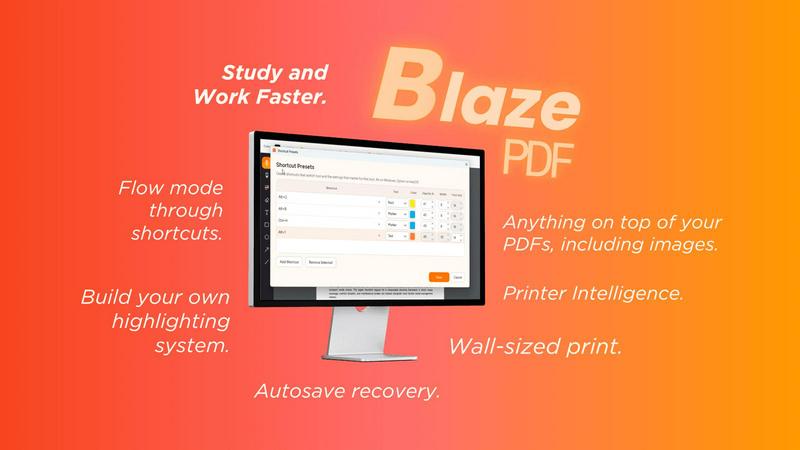
About BlazePDF
BlazePDF is a fast, intuitive PDF app built around how students actually study. Highlight and annotate faster, add images, use familiar keyboard shortcuts, and move through documents without breaking your flow. BlazePDF focuses on the small interactions students repeat constantly and makes them faster and more natural, with customizable tool switch shortcuts, autosave, and an interface designed especially for laptop-based studying.
Explore more in this category:
Similar to BlazePDF

Free invoice generator with live preview and PDF export. Create invoices, receipts and quotes online without signup or watermarks.

Clip pages, take full-page screenshots and batch-capture list data to Notion, Feishu, Obsidian, Markdown, CSV or JSON.

Search tabs, Chrome bookmarks and history, run browser commands, and save webpages and social posts locally—no account.

Free light screen tool online. Turn any display into a flashlight, ambient light, or solid-color screen. No download or sign-up.

Free text expander, Markdown notes app and clipboard manager for Mac and Chrome

Create a free live poll, share a QR code, and watch the votes come in live.

Personal site of Vlad Kovnerov: analytics dashboards, web development, Telegram bots and browser tools for sellers and subscription tracking.

Context Board brings your numbers, docs, clients, content and day into one workspace that Claude and Codex can read and update.