
AI Room Makeover
Turn room photos into AI design concepts. Explore furniture, colors, styles and layouts with text requests and optional reference images.
Visit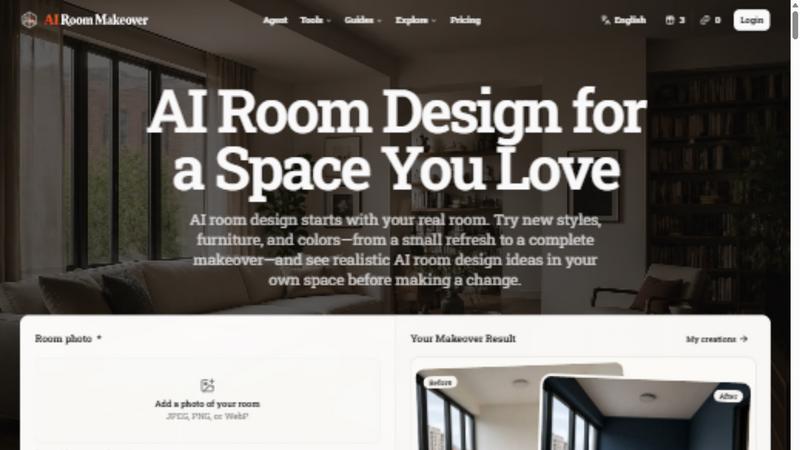
About AI Room Makeover
AI Room Makeover turns a room photo and a written request into visual interior design concepts. Explore styles, layouts, furniture, paint colors and finishes, and add optional product or material reference images to guide the result. It helps homeowners, renters and designers compare ideas before making physical changes. Generated images are visual concepts, not measured construction drawings or a guarantee of exact product fit. A limited free allowance is available to eligible visitors; additional credits can be purchased in one-time packs without a subscription. The screenshot shows the product homepage interface, and the icon is its official logo.
Similar to AI Room Makeover

Turn that photo you want into a 4-step drawing lesson.

Check your screen display for dead pixels using White screen or black screen checkers.

Upload one photo for a free PSL score and face rating. 47 tools cover face shape, symmetry, color season and more. No signup needed.

Try on clothes, glasses, rings, hairstyles, and hair colors on your own photos with AI.

Turn brand descriptions into custom logos with AI. Refine styles and colors, try free PNG exports, and upgrade for SVG and commercial licensing.

Prepare photo cutouts online: remove backgrounds with AI, inspect the preview and download.

Free-to-copy AI image prompt library. Each prompt is shown next to the image it made.

Restore old photos with RestoreOldPhoto.ai: repair scratches, creases and fading, sharpen faces and details, and optionally colorize family memories.