
AI Photo Assistant
Transform your photos effortlessly with AI Photo Assistant's one-click enhancements for professional-quality results.
Visit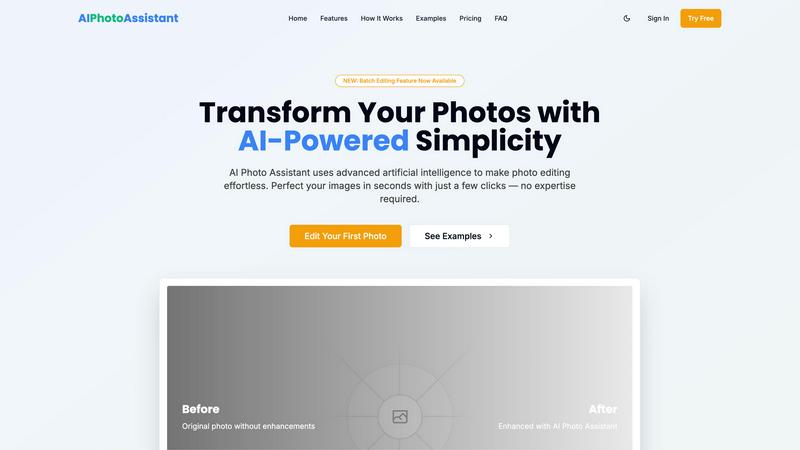
About AI Photo Assistant
AI Photo Assistant is a revolutionary photo editing platform that leverages the power of artificial intelligence to transform ordinary images into stunning visuals effortlessly. Designed for a wide range of users, including social media influencers, small business owners, and individuals with little to no photo editing experience, this platform democratizes high-quality photo editing by removing the barriers typically associated with traditional software. Users can benefit from its advanced AI algorithms that intelligently analyze photos, making automatic enhancements to aspects like brightness, contrast, saturation, and composition. The main value proposition lies in its ability to deliver professional-grade results in a fraction of the time, allowing busy professionals to edit multiple photos quickly and efficiently. With AI Photo Assistant, users can achieve remarkable visual outcomes without the need for extensive training, thereby maximizing productivity and enhancing their creative output.
Features of AI Photo Assistant
Intelligent Editing
AI Photo Assistant utilizes advanced machine learning techniques to understand the intricacies of photo aesthetics. It automatically applies optimal adjustments to lighting, color, and composition, ensuring that every image looks polished and professional without requiring any technical skills from the user.
One-Click Enhancement
With a single click, users can initiate the automated optimization process. This feature simplifies the editing workflow, allowing users to enhance multiple aspects of their photos at once, including brightness, contrast, and saturation, resulting in a dramatic improvement in image quality.
Batch Editing Feature
The newly introduced batch editing functionality allows users to process multiple photos simultaneously. This feature is a game-changer for professionals and businesses that need to edit large volumes of images quickly, significantly reducing the time spent on repetitive tasks.
Smart Auto-Enhancement
This feature employs AI algorithms to analyze and optimize photos in real-time. Users can select automatic improvements or make specific adjustments, streamlining the editing process and enabling high-quality results that cater to individual preferences.
Use Cases of AI Photo Assistant
Social Media Content Creation
Influencers and content creators can utilize AI Photo Assistant to enhance their photos quickly, ensuring that their social media profiles remain visually appealing. The platform allows for rapid editing, making it easier to maintain a consistent aesthetic across multiple posts.
Small Business Product Photography
Small business owners can generate professional-quality product images without the expense of hiring a photographer. AI Photo Assistant provides the tools necessary to create eye-catching visuals that can improve online sales and customer engagement.
Event Photography
For individuals capturing special occasions such as weddings or parties, the AI Photo Assistant simplifies the editing process. Users can quickly enhance group photos or candid shots, preserving memories with a professional touch while saving time.
Personal Use for Family Photos
Families looking to enhance their personal photos can use AI Photo Assistant to create stunning prints or digital albums. The user-friendly interface makes it accessible for anyone, ensuring that cherished moments are beautifully preserved and shared.
Frequently Asked Questions
How does AI Photo Assistant work?
AI Photo Assistant employs advanced artificial intelligence algorithms to analyze and enhance photos. Users simply upload their images, choose the desired enhancements, and the AI applies the optimal adjustments automatically.
Is AI Photo Assistant suitable for beginners?
Yes, AI Photo Assistant is designed with user-friendliness in mind. It requires no prior photo editing experience, making it accessible for beginners while still providing professional-quality results.
Can I edit multiple photos at once?
Absolutely! The batch editing feature allows users to process multiple images simultaneously, significantly speeding up the editing workflow, especially for those handling large volumes of photos.
What types of images can I edit?
AI Photo Assistant supports all popular image formats, making it versatile for various types of photos, including portraits, landscapes, product photos, and more, ensuring that users can enhance a wide range of visuals.
Similar to AI Photo Assistant


Built2WinWeb is a custom PHP development studio and AI-native infrastructure provider.


Prompt-based Qwen Image Edit Online for background changes, text edits, product images, posters, outpainting, and creative workflows.

Turn flat images into editable transparent layers with AI.

Create photorealistic images, bilingual posters, ecommerce visuals, and social content with Z Image Turbo, flexible prompts, aspect ratios, seeds, and

Create and edit production-ready images with Seedream 5.0 Pro and Lite for ecommerce, marketing, social media, infographics, and branded content.
